- Home
- |
Welcome to the
 app
Get set up in three key steps.
Get started
-
Step 1
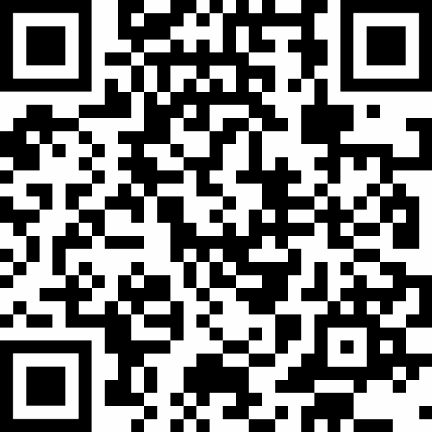
Download the app by scanning the QR code Download the app
By tapping the link or scanning the QR code on your mobile device.


- Step 2
Have your details ready
You'll need your username and password and your mobile phone to hand as we'll send a one-time code to verify it's you.
New to Online Services? You'll need to register first. It only takes a few minutes.
- Step 3
You're all set
Once you’ve logged in, you can view your balances and transactions, download statements, and keep track of your accounts – whenever it suits you.
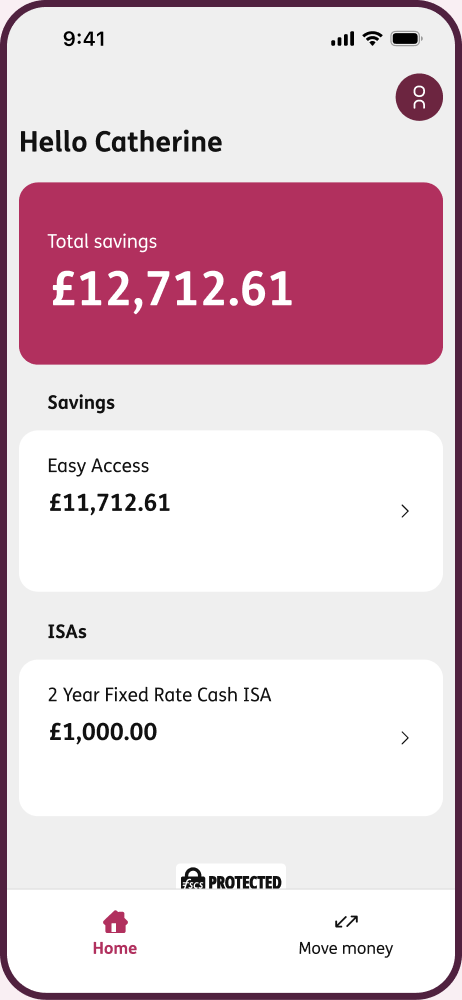
Here's what's available in the app now
- View all your savings accounts and balances
- Check recent transactions
- View bond details and maturity dates
- Download statements and documents
- Make transfers and withdrawals (subject to the terms of your account)
- Reset your passcode
- Manage your registered device
- Receive helpful notifications
- Contact us directly from the app
Coming soon...
We're continuing to develop the app and will be introducing additional enhancements over the coming months. You can either set up automatic updates in your phone settings or check the app store for any updates.
Frequently asked questions
Yes. If you already use Online Services, simply log in with your usual details. If not, you'll need to register first. Online registration only takes a few minutes.
Yes, you can use the app on up to three devices. However, only one active session can be used at a time.
You can reset your passcode within the app. You'll just need your Online Services details to verify your identity.
Yes. We're launching with the features our savers use most and will continue to add more functionality over time.
Yes. The app includes security features such as your passcode and, where supported on your device, Face ID or Touch ID. We also use industry-standard security measures to help keep your information secure.
Our team is here to help. You can find guidance within the app or call us on 0345 122 1120.
If you're seeing a message saying the app can't be downloaded due to security issues, or that your device doesn't meet our security requirements, this may be because Developer Mode is enabled or you're using a VPN on your device.
To resolve this, turn off Developer Mode and disconnect your VPN, then try downloading, registering or accessing the app again.
Not sure how to update these settings? We've put together a step-by-step guide to help you.